Registration App Built for Real Event Day
Most check-in problems on event day trace back to the app. Here’s what an onsite registration app needs to handle -from QR scanning and badge printing to walk-ins and attendee verification.


Event day starts at the door. Everything that happens in the first 30 minutes of arrivals sets the pace for the rest of the event for your attendees and for your team.
The app your staff uses to run that process determines whether arrivals are fast, accurate, and controlled or slow, stressful, and full of gaps. A check-in app built for speed but not for edge cases breaks the moment a walk-in arrives or an attendee can’t find their QR code. A registration app with too many features and no clear workflow slows down every single scan.
This guide covers what an onsite event registration app actually needs to do on event day, and how each capability maps to the real situations your team will face at the door.
The Five Situations Every Registration App Must Handle
Before evaluating any app, map it against these five scenarios. They cover the vast majority of what actually happens at event check-in.
- Registered Attendee With QR Code
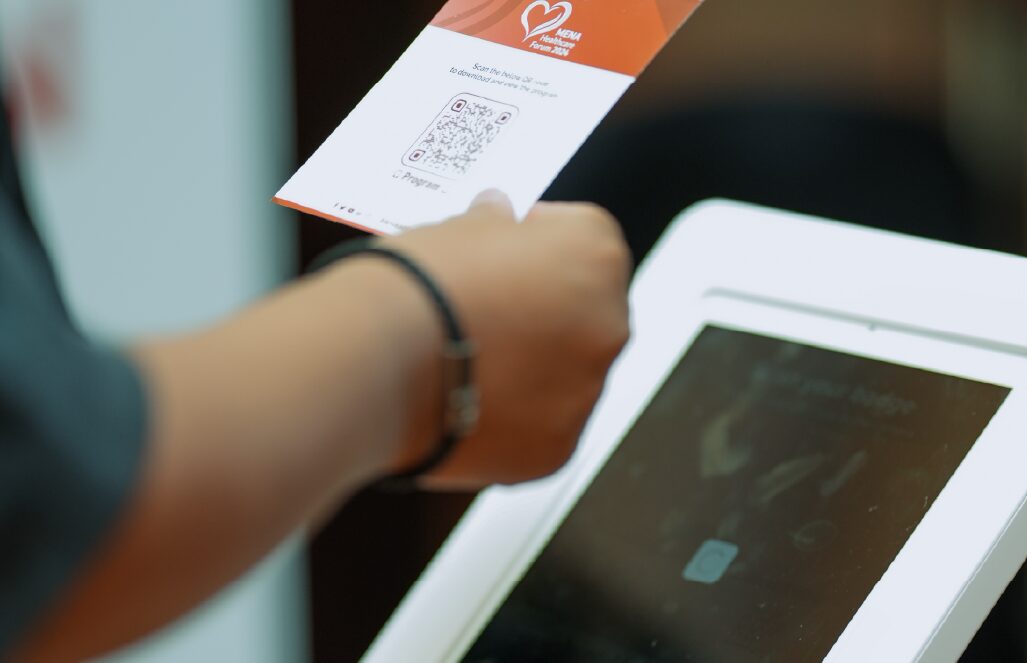
The standard case. An attendee arrives with their confirmation email open on their phone. Your staff scans the QR code, the registration is validated in real time, and the badge prints. The process should take under 10 seconds.
What can go wrong here: slow scan response, failed connection to the registration database, or the badge design pulling incorrect data. All three are app and integration problems, not staff problems.
2. Registered Attendee Without QR Code
Their phone is dead. They deleted the email. They printed the confirmation but left it at home. This happens at every event, without exception.
The app needs a fast name search or badge ID lookup that surfaces the correct registration record in one or two taps. The less your staff has to type under pressure with a queue forming behind the attendee, the better.
3. Walk-in attendee
Someone who wasn’t registered in advance. A colleague of a delegate. A last-minute addition from the organiser. A person who saw the event promoted and decided to attend.
Walk-in registration needs to happen fast, using the same registration form as online attendees, and add the new attendee to the live list immediately. A separate manual process a clipboard, a separate spreadsheet, a handwritten badge creates a parallel data set that causes problems in your post-event report.
4. Attendee with incorrect or outdated details
They changed their company. Their name was misspelled at registration. They upgraded their ticket type. The app needs to allow your staff to edit the attendee record at the point of check-in, so the badge prints correctly and the data in your system is accurate from the first scan.
5. Attendee who wants to verify their own details
At busy events with high check-in volumes, the fastest way to handle data verification is to put it in the attendee’s hands. A feature that lets an attendee scan their own QR code on their personal device, review their registration details, and confirm or correct them before they reach the desk removes a step from your staff’s process and reduces queue time at the busiest periods.

QR scanning speed is the most visible performance metric of your check-in app. Attendees don’t know or care what’s running in the background they see how long they stand at the door.
Fast scanning requires three things working together:
• Camera response. The app’s QR scanner should activate instantly and read the code in a single frame. A scanner that requires the attendee to hold their phone steady for two seconds is already creating friction.
• Live database validation. The scan result needs to validate against live registration data, not a downloaded snapshot. Any lag between your registration database and the check-in app means late registrations may not appear, and cancelled tickets may still scan as valid.
• Instant badge trigger. Validation and badge print should happen in the same action. A check-in app that validates first and then requires a second tap to print adds unnecessary time per attendee at scale.
With Entryvent Registration, badge reprints take seconds. At an event with 500 attendees arriving in a 45-minute window, the difference between a 10-second check-in and a 30-second check-in is the difference between one desk handling the load and three.

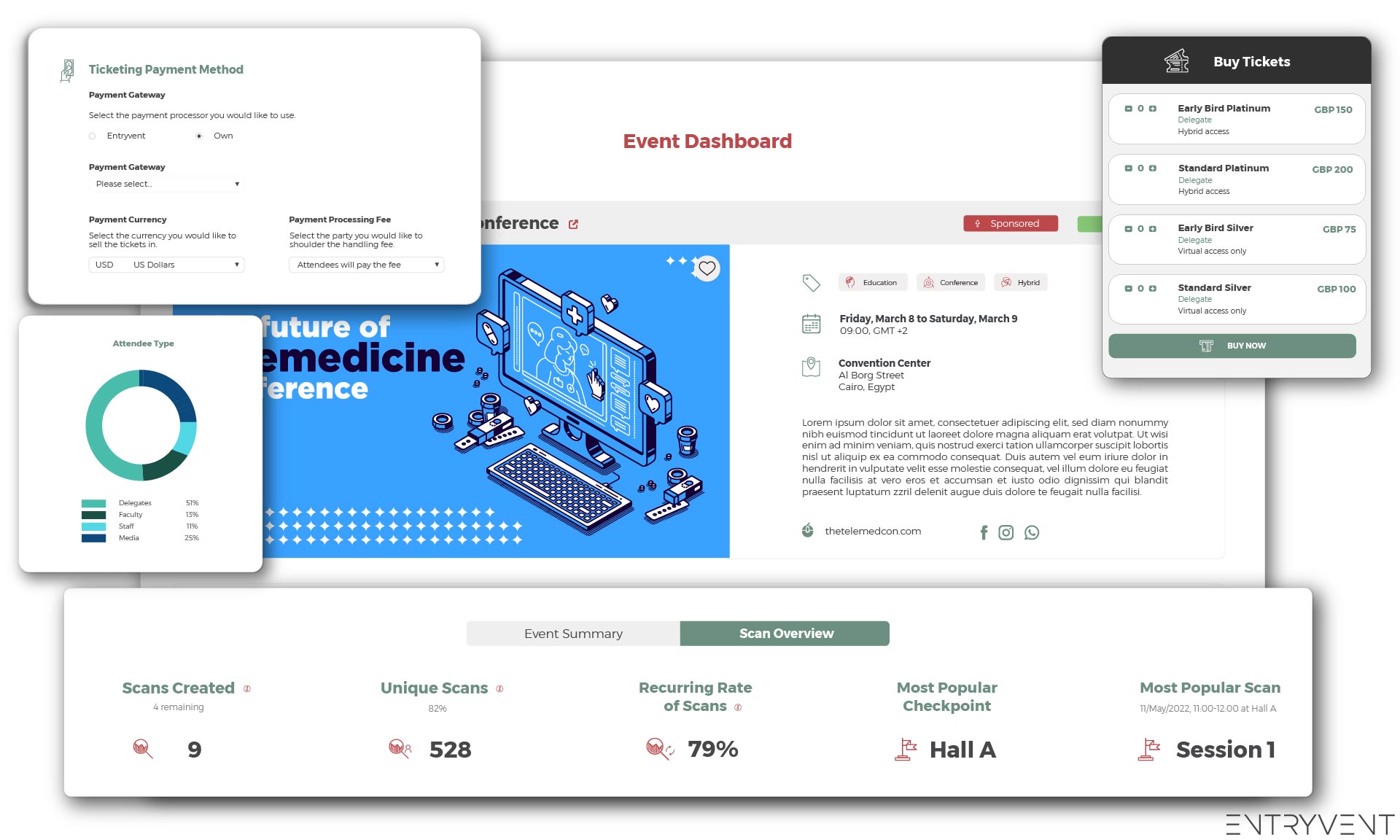
Entryvent Registration is available on iOS and Android. It connects directly to your Entryvent event dashboard the same platform where you set up your tickets, registration forms, and attendee data.
Everything in the app runs on live data. No exports. No syncs. No snapshot from the day before.
- QR code check-in. Fast scan, live validation, immediate badge print.
- Walk-in registration. Same form as online registration. Attendee lands in the live list immediately.
- Quick Tickets. Minimal data entry for high-speed walk-in processing.
- Attendee verification and editing. Correct records at the point of check-in. Badge reprints in 2 seconds.
- Edit via QR Code. Attendees verify and update their own details on their personal device before reaching the desk.
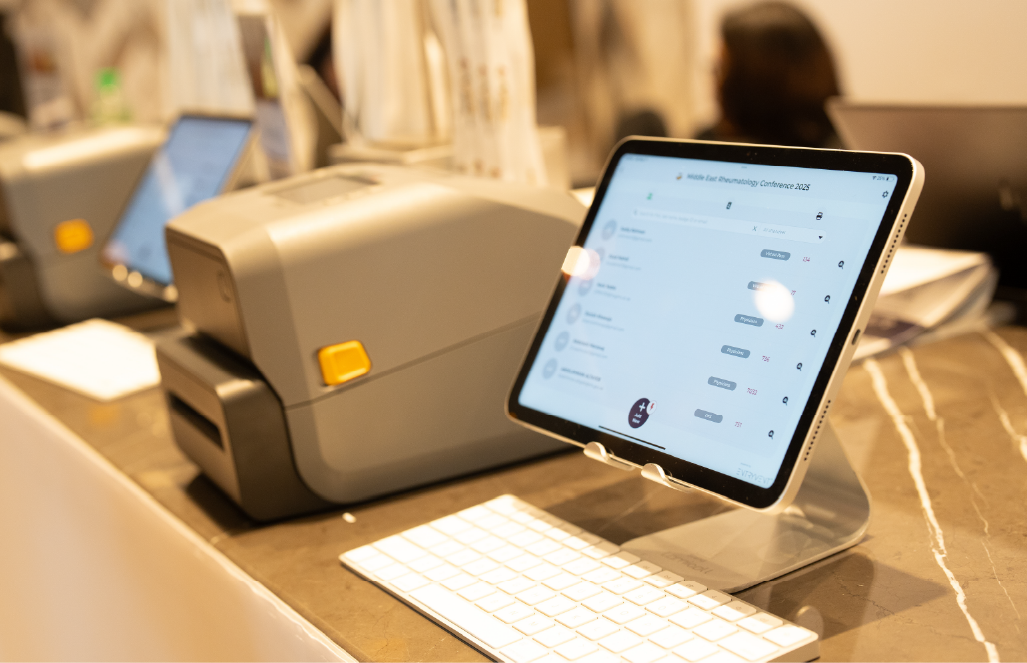
- Flexible badge printing. On-demand, bulk, and reprint. Per-attendee-type templates configured in advance.
- Multiple check-in stations. All devices share the same live attendee data. Duplicate scan detection across stations.
- Onsite payment collection. Take payment from walk-ins through the same app.
- Order history and accountant view. Onsite transaction tracking for finance reconciliation.
- Hardware rental available. iPads, thermal printers, kiosks, and POS machines all compatible, available to rent.
The App Is Only as Good as the Setup Behind It
A well-configured registration app on event day looks effortless. Attendees scan and walk through in seconds. Walk-ins register without holding up the queue. Staff spend their time managing the event, not troubleshooting the door.
That result requires the right app, configured correctly, tested at the venue, with your team briefed on the five scenarios they’ll actually face. The technology handles the rest.
Download Entryvent Registration on iOS or Android and connect it to your next event.
Try Entryvent for FREE Zero Commission, Early Payouts, and a Payment Gateway That Works the Way an Organiser Actually Needs It To.